eClass and Canvas Support
|
IgniteAI Search Tool for Courses on Canvas
Last modified on 11 August 2026 12:40 PM
|
|
|
IgniteAI Search for Courses is an AI-powered search tool designed to help students, and other participants, find specific content within a course more effectively than a standard keyword search. Using semantic algorithms, it understands the context and intent behind queries. For example, if you search for "midterm prep," it may surface results for "study guides" or "practice exams" even if the word "midterm" is not in the title. IgniteAI will search across content and activities including Assignments, Announcements, Discussions, Pages, etc. Contents:
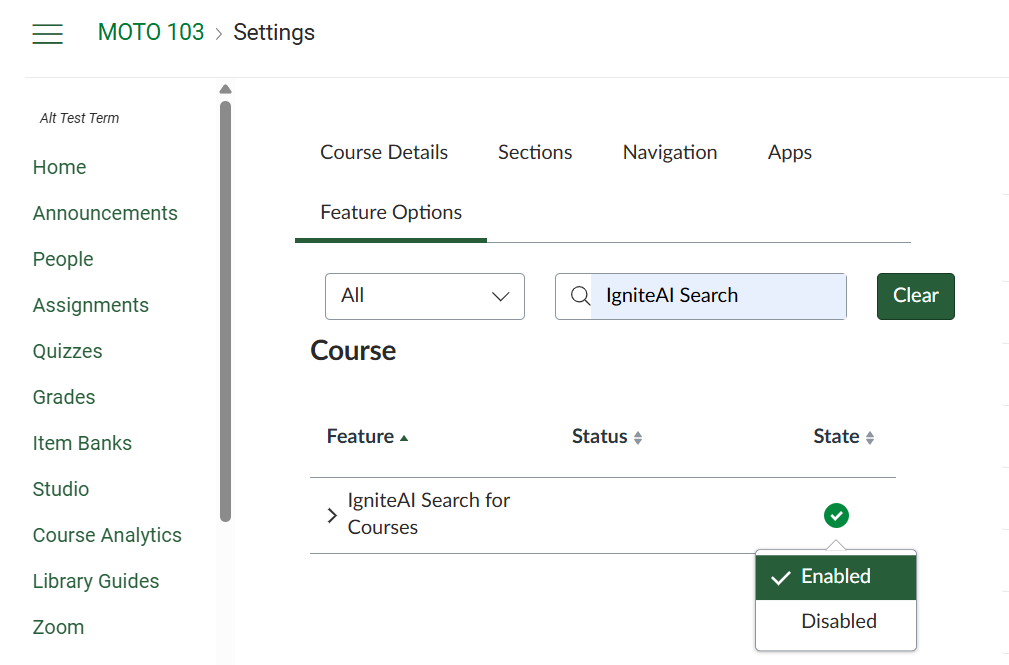
Instructor Setup GuideTo being using IgniteAI Search for Courses, go to your course Settings > Feature Options (tab) , and then look for the IgniteAI Search for Courses tool and ensure that it has a green checkmark.
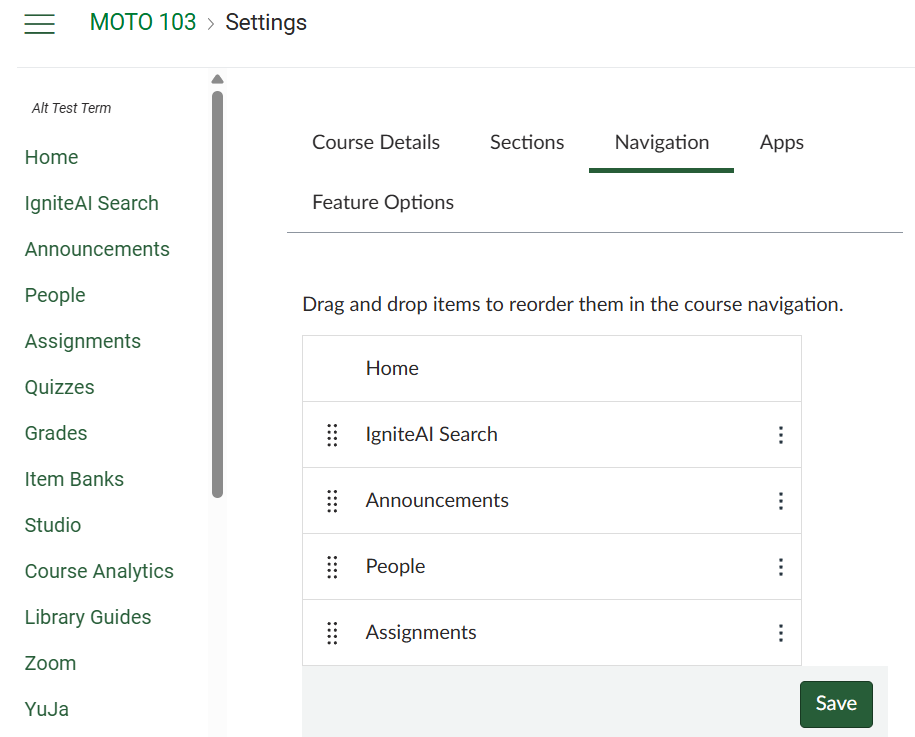
You may need to refresh your page for it to update and display the IgniteAI Search tool in the course navigation where it can be manually positioned in the menu like the other items in the Navigation settings.
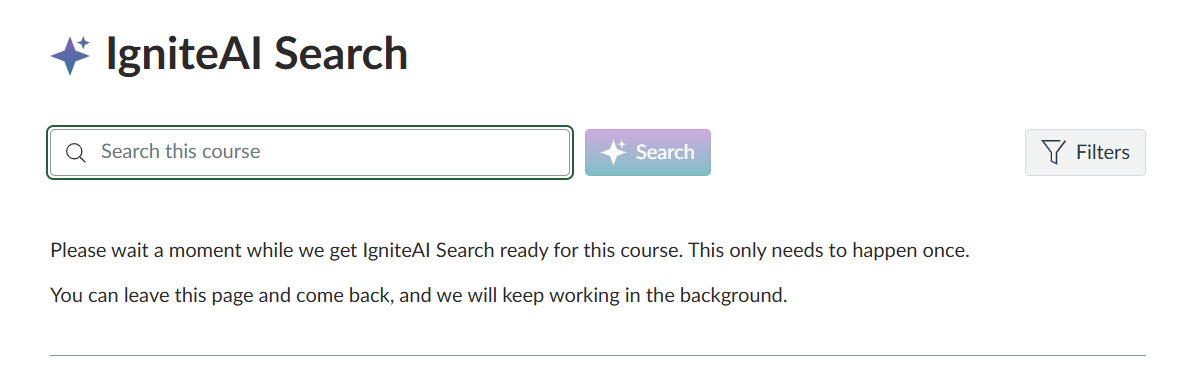
Using IgniteAI Search for CoursesAfter first clicking on IgniteAi Search, there will be an initialization screen.
After initialization, you may begin searching and using the built-in filters. For further details, please consult What is IgniteAI Search for Courses? | |
|
|