eClass and Canvas Support
|
Signing in to Zoom Outside Canvas
Last modified on 16 September 2026 08:39 PM
|
|
|
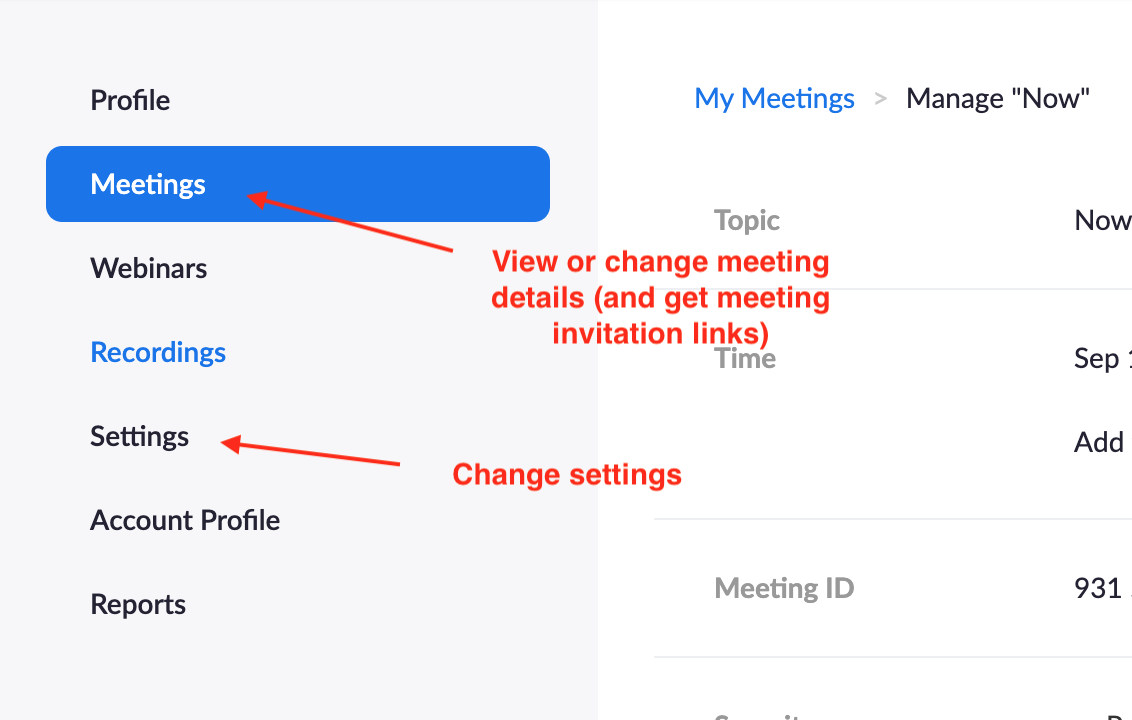
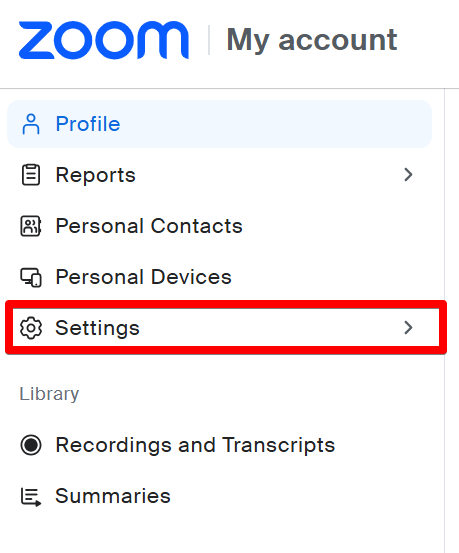
Occasionally, instructors may need to sign into Zoom directly in order to access special features not covered in the Zoom activity within Canvas (i.e. to add closed captioning, private meeting management, etc.) Students may need to sign into Zoom similarly in order to access meetings requiring authentication. Contents:
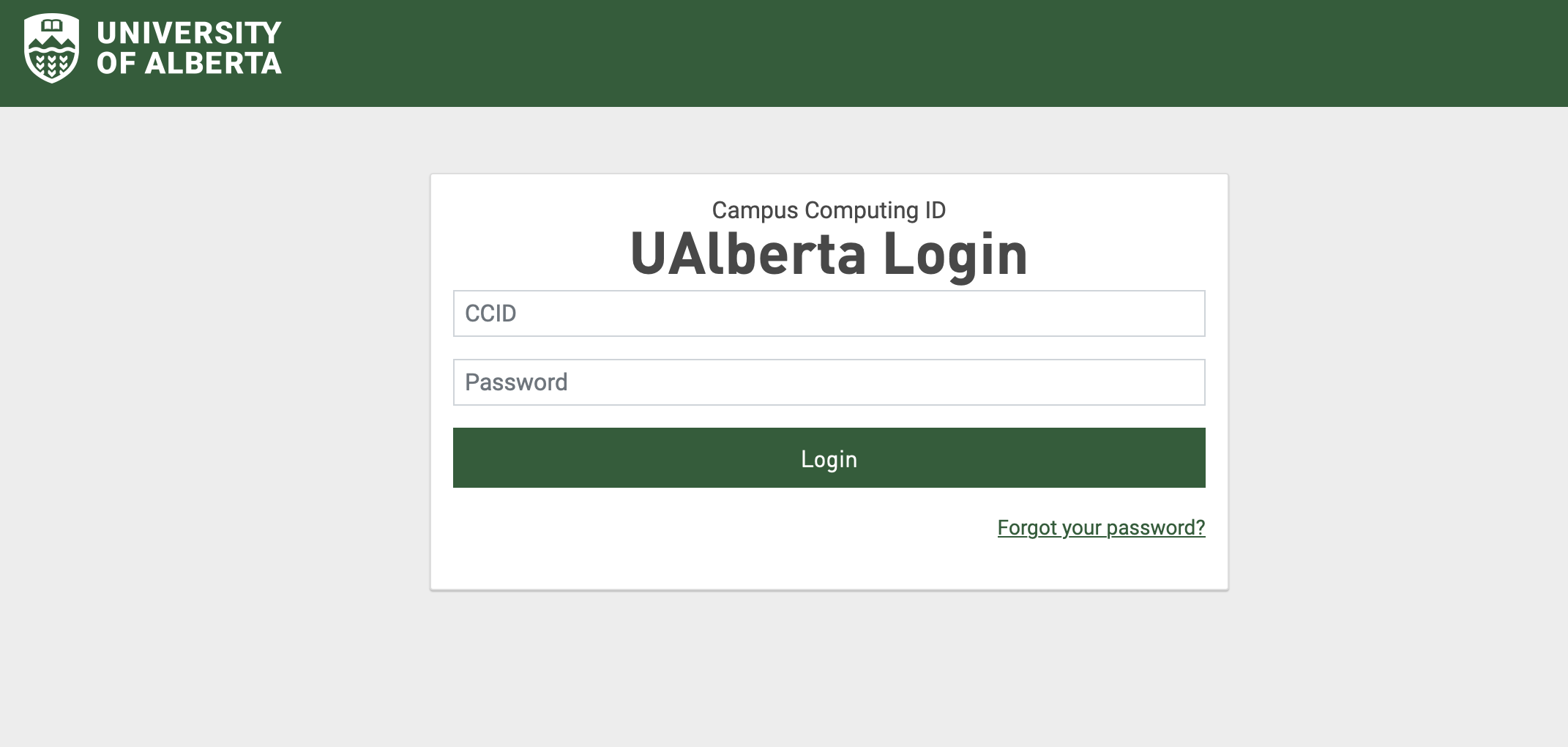
Note: There is a separate sign-in process for authenticating directly in the zoom application. Students and instructors may need to authenticate in the application before launching meetings to ensure that the correct account settings get applied.
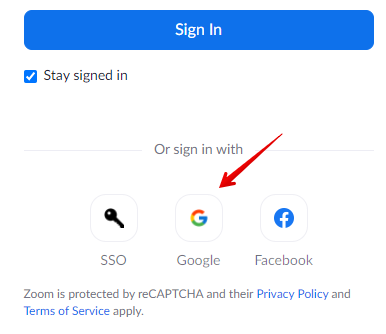
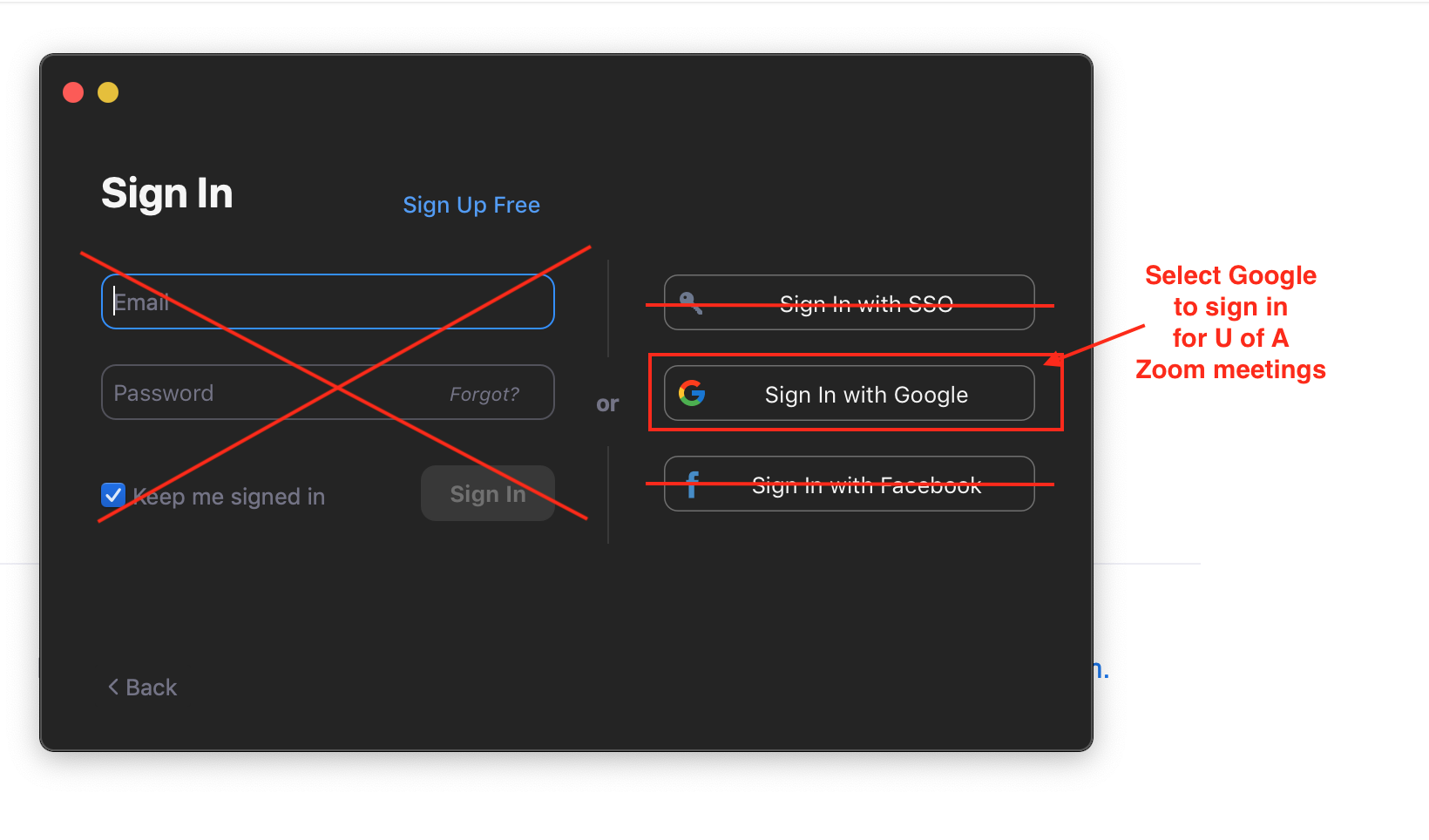
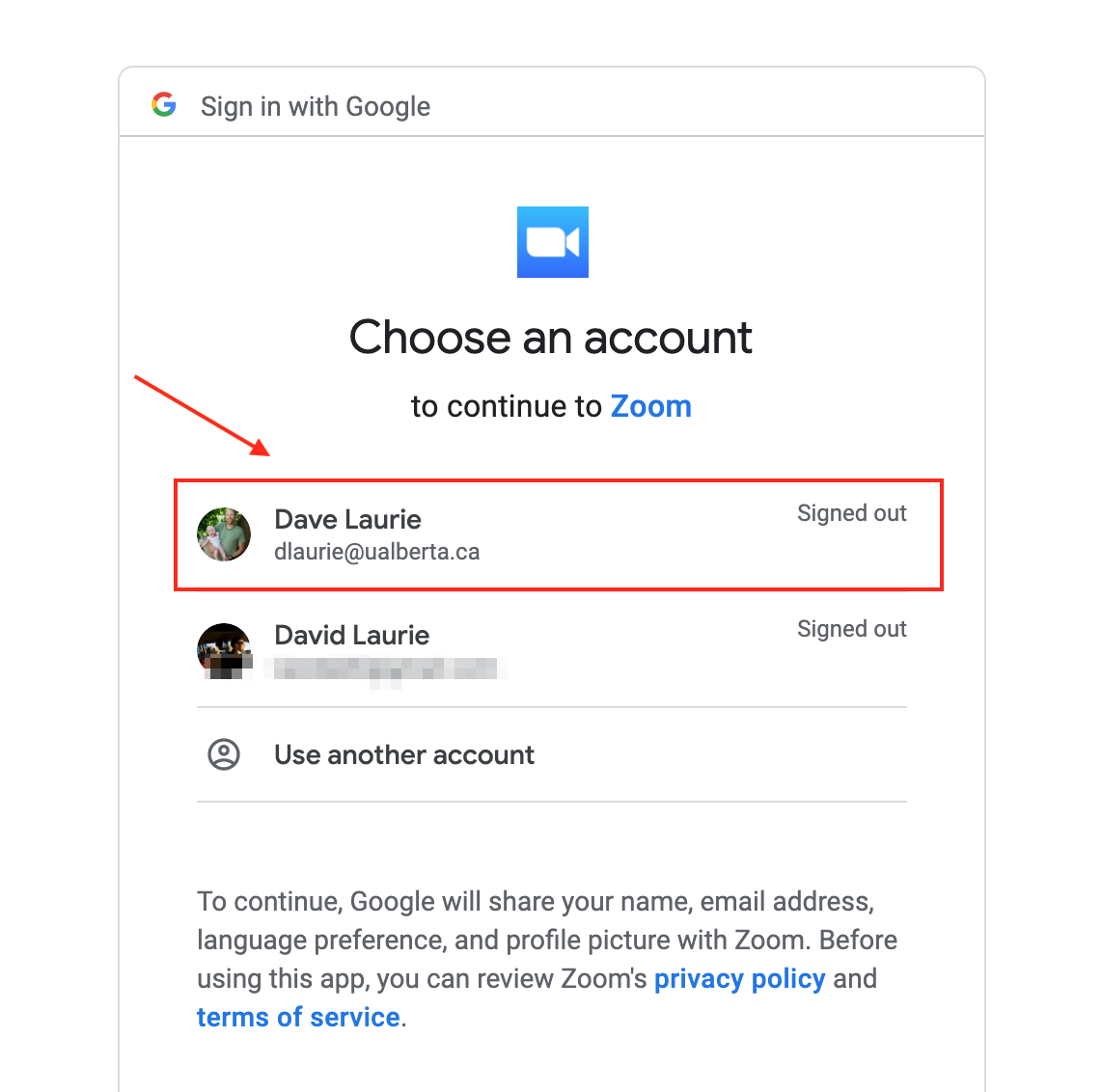
Open the Zoom application on your device and Sign in. Remember to choose the Google sign-in option, as mentioned previously, and be sure to choose the correct U of A profile.
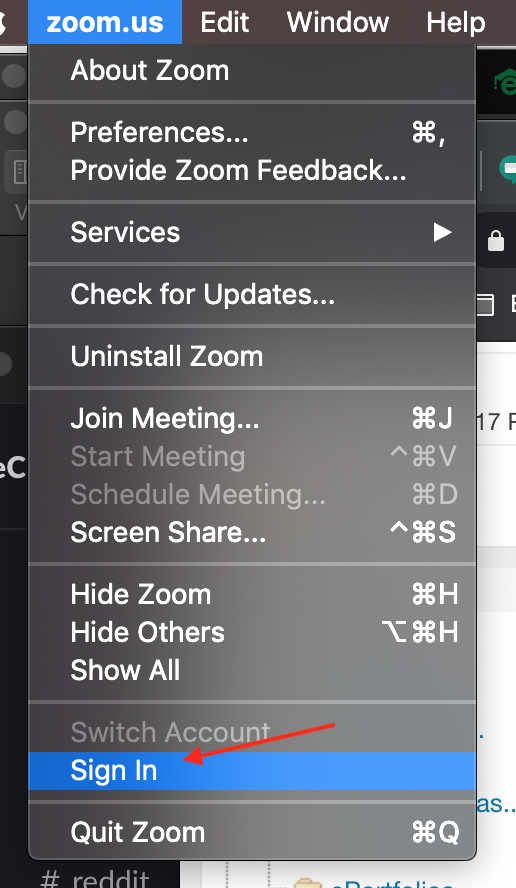
If you have already accessed a meeting, you can still the sign-in process from the menu options:
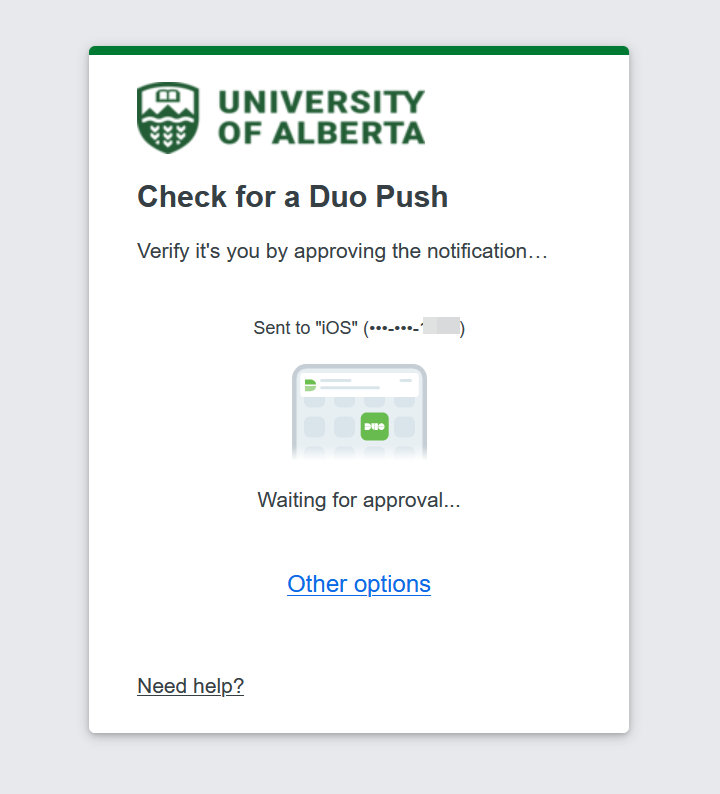
New in May 2026: students who have opted in to MFA for students may also see their Duo mobile authentication screen when trying to access Zoom directly and will need to complete that process prior to gaining access to their meetings:
| |
|
|