eClass and Canvas Support
|
Taking Secure Exams Using U of A Campus Computers
Last modified on 03 June 2026 06:31 PM
|
|
|
If students do not have compatible devices to use Respondus LockDown browser or SEM for any exams that require those tools, they may able to take exams using an on-campus computer in labs or study rooms. In most cases, the expectation is that students will have first exhausted all the known issues/troubleshooting steps and/or contact IST Canvas support for help before using the campus spaces. Contents:
Taking Exams in Computer Labs (no webcams)If students have Respondus LockDown browser exams that do not require webcam monitoring, these can be taken in most of the on-campus computer labs. These rooms -- if not otherwise booked for a class -- can be accessed by anyone with a OneCard and require CCID for authentication to the machines. All the computer in these spaces (with the exceptions listed below), have the Respondus application installed and available by searching for Respondus from the start menu. The following lab rooms do not have Respondus so cannot be used:
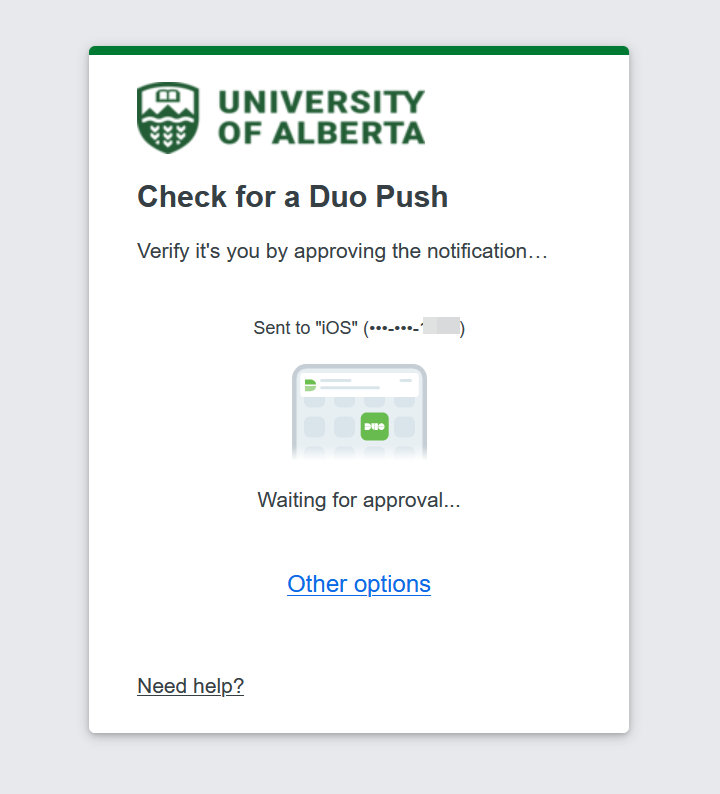
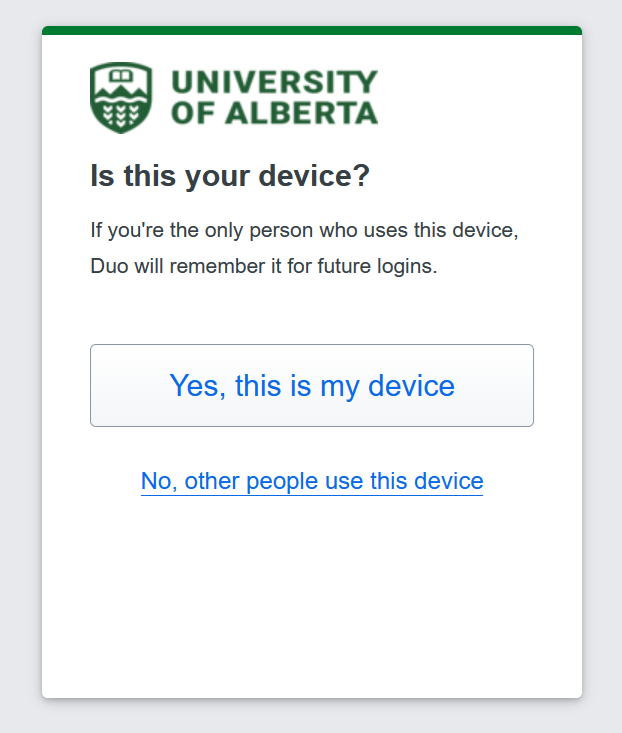
Taking Exams in Study Rooms (webcams allowed)For students who need to take Respondus Lockdown browser exams that require webcam monitoring, these can be taken in the bookable Cameron Library study rooms. These are private spaces that contain U of A provisioned computers with Respondus already installed. These computers may already have a USB webcam attached but since these are unsecured rooms, students must bring their own external webcams. Students can reserve these rooms using the library's Cameron Library Study Room booking service. Using MFANew in May 2026: students who have opted in to MFA for students may also see their Duo mobile authentication screen when trying to access Canvas and will need to complete that process prior to gaining access to their exams:
If you are using a public computer: Always choose, "No, other people use this device".
| |
|
|